Learn Apache Cordova using Visual Studio & Command line
This course will give you a low level understanding of Cordova, and how to use it with Visual Studio & Command line.
 Updated on Sep, 2026
 Language - English
AI Assistant
English [CC]

Lectures -17
Duration -1 hours
Lifetime Access

Lifetime Access
30-days Money-Back Guarantee
Get your team access to 10000+ top Tutorials Point courses anytime, anywhere.
Course Description
Cordova is an open source mobile development framework that allows us to create Mobile applications with standard web technology such as HTML5, CSS3, and JavaScript.
If you are a web developer and want to create a hybrid mobile application that runs on multiple platforms such as Android, iOS, Windows Phone, Windows 10, and many more.
Cordova became very popular because of its work on multiple platforms with a single code base. Cordova provides lots of plugins, using which we can access native mobile functionalities like Camera, Storage, Contacts, etc.
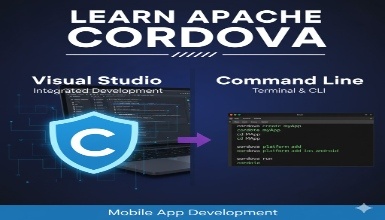
With the command line interface, we can add multiple platforms for our application as well as plugins. We can also build & run our application in it. Visual Studio provides all of the functionality provided by the command line as well as debugging. Visual Studio hides all of the complexity.
We will Learn all the above things through this video series. If you have any doubts, then you can contact me via email and Q&A.
Who this course is for:
- This is for newbies who want to learn Cordova.
- Web developers who want to make a Hybrid App.
Goals
- Creating Hybrid Applications.
- Managing Plugins & Platforms.
- Debug applications.
- Obtains the signed APK/appx for publishing the app.
Prerequisites
- Familiar with HTML, CSS and JavaScript.
- Basic Knowledge of command line interface.
Curriculum
Check out the detailed breakdown of what’s inside the course
Introduction
5 Lectures
-
 What is Cordova?
04:29
04:29
What is Cordova?
04:29
04:29
-
Setting up Environment using Visual studio 2015
03:00
03:00
-
Setting up Environment using Command line environment
05:07
05:07
-
Creating your first app using Visual studio 2015
04:50
04:50
-
Creating your first app using Command line environment
11:09
11:09
Managing your App
6 Lectures

Advance Operations
3 Lectures
More On
2 Lectures
Instructor Details

Nilay Mehta
About me
Hey, My name is Nilay Mehta! I am an experienced .Net developer, having the Microsoft certificate of Programming with C#.Net.
I have a Master of Computer Applications and Bachelor of Computer Application degrees. Starting out in the IT industry about 3 years ago. I've worked with a range of development tools from PHP, C#, ASP.NET, and ASP.Net core.
I am a passionate software engineer who loves learning new technologies, and from the past 3 years, I'm enjoying sharing that knowledge through blogs and courses.
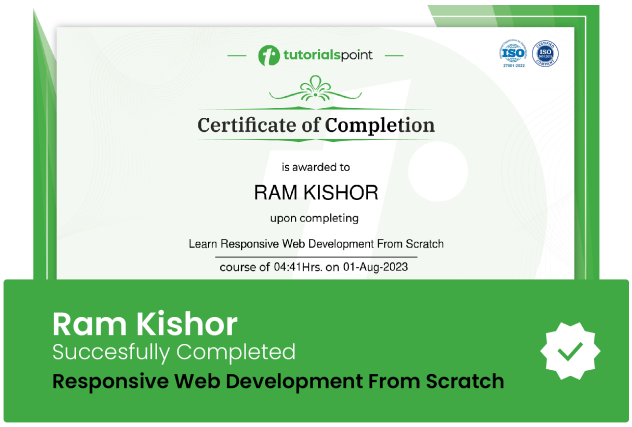
Course Certificate
Use your certificate to make a career change or to advance in your current career.
Our students work
with the Best














Related Video Courses
View MoreAnnual Membership
Become a valued member of Tutorials Point and enjoy unlimited access to our vast library of top-rated Video Courses
Subscribe now
Online Certifications
Master prominent technologies at full length and become a valued certified professional.
Explore Now